
Free Driving Games
Driving games are video games where the core mechanic is controlling a vehicle, including arcade racing, stunt games, simulators, and open-world driving.
On GamersHell, the driving category contains 87 free browser games covering cars, motorcycles, trucks, and boats, all playable instantly without download.
Top Driving games
-
Go Kart Racing Game
-
Ultra Crash Car Simulator 2026
-
Car Eats Car: Volcanic Adventure
-
Monster Truck Offroad
-
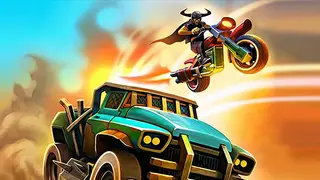
Dead Paradise
-
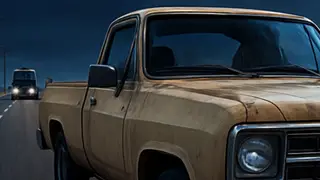
Police Bus Simulation
-
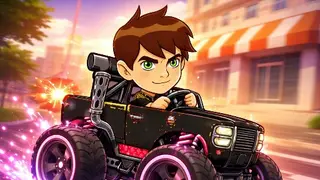
Ben Car Adventure
-
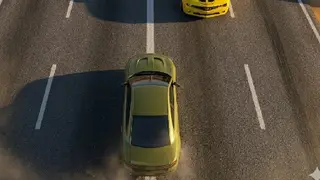
Crazy Traffick Racing 2026
-
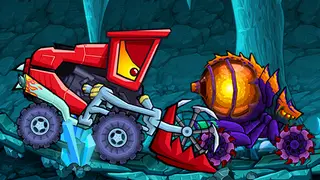
Car Eats Car: Dungeon Adventure
-
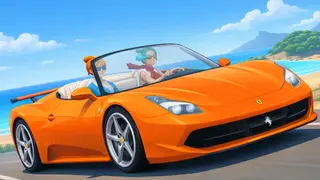
Drive Pro 3D
-
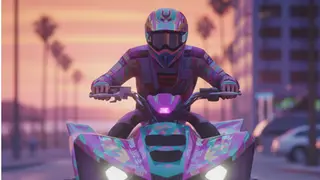
Quad Bike Racing Game
-
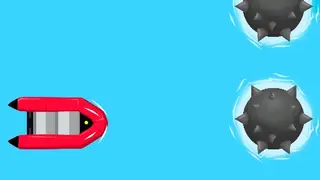
Float Boat
-
Retro X Racer
-
Car Battle
-
Counterflow
-
Escape the Lava
-

Gorilla Monster Fight
-
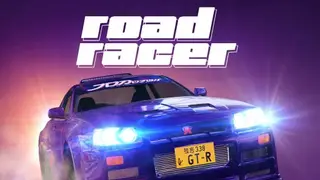
Road Racer 2
-
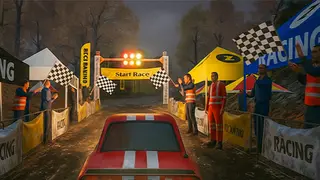
Rally Race Pro 3.0 Car Racing
-
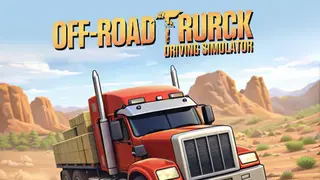
Offroad Truck Driving Simulator
-
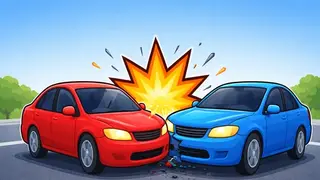
Wrong Side Driving Car Game
-
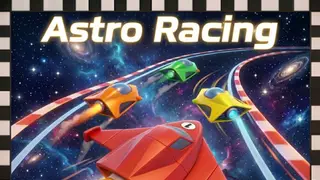
Astro Racing
-

Baby Race Galaxy 2
-
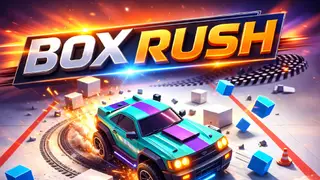
Box Rush
Driving Games variants we cover
Driving games on GamersHell split four ways across Car Racing, Drift Racing, Monster Truck and Off-Road, and Car Parking variants.
Car Racing
Car Racing is the headline variant: lap-based or point-to-point tracks where you accelerate, brake, and steer for fastest time. Highway racing adds traffic to dodge, circuit racing adds AI rivals.
Drift Racing
Drift Racing rewards controlled skidding through corners over raw lap speed. Tap handbrake to break rear traction, hold the slide through the apex, accelerate out, scoring on angle and combos.
Monster Truck and Off-Road
Monster Truck and Off-Road games swap asphalt for dirt, rocks, and obstacles. Oversized wheels, higher clearance, suspension tuned for bouncing rather than cornering. Physics matters more than racing line here.
Car Parking
Car Parking is the precision-driving variant: no lap times, no rivals, just one car and a tight space. Tests vehicle control at low speed where spatial awareness beats reflex.
How to play Driving Games
Driving games are played by steering, accelerating, and braking a vehicle through a track or environment with variant-specific win conditions.
Controls
- Arrow keys or WASD
- Steer (left/right), accelerate (up/W), brake or reverse (down/S)
- Spacebar
- Handbrake for drifts or emergency stops
- Shift
- Gear up (manual transmission games)
- Ctrl
- Gear down (manual transmission games)
- Mouse (some games)
- Camera control or steering
Tips
- Read the controls screen on launch to check whether the game uses arrow keys, WASD, or both for steering and pedals.
- Test acceleration and braking to get a feel for top speed and stopping distance before approaching the first corner.
- Find the racing line, which is the smooth outside-inside-outside curve through corners that loses the least speed.
- Brake before the corner, not in it, because braking while turning unsettles the car. Brake straight, release, then turn.
- Drift only when scoring rewards it: handbrake drifts cost time in normal racing but earn points in drift variants.
- Win by crossing the finish line first (racing), scoring the highest drift total, or completing the parking objective without damage.
Why Driving Games stands out
GamersHell stocks 66 driving titles spanning four sub-variants from arcade racing to truck simulation, the broadest driving selection in our catalog.
- 66 distinct driving titles. Highway racing, drift challenges, monster trucks, parking simulators, off-road adventures: real variety across vehicle types and play styles, not the same engine reskinned.
- 3D and 2D both supported. Some driving games render in full 3D with camera-behind-car perspective, others use top-down 2D for arcade feel. Both load without plugin in modern browsers.
- Touch controls on mobile. On-screen steering wheels, pedal buttons, and tilt-steering options let driving games stay playable on phones without external controller hardware.
- No installation, no signup. Every driving game loads in the browser tab and starts immediately. No app store, no account, no email gate.
Driving Games FAQ
Driving games on GamersHell answer common questions below about variants, controls, free access, mobile play, and the difference between racing and drift.
- How do you play driving games?
- Driving games are played by steering, accelerating, and braking a vehicle through a track or environment. Steering uses arrows or A/D, acceleration uses up or W, braking uses down or S, handbrake uses Spacebar. Win condition depends on the variant.
- Are driving games free on GamersHell?
- Yes, every driving game on GamersHell is free to play in your browser with no download or signup required. All 66 titles across Car Racing, Drift, Monster Truck, Off-Road, and Parking variants stay free.
- What is the difference between racing games and drift games?
- Racing games score by lap time and finishing position: the goal is the fastest line through corners. Drift games score by skid angle, speed, and chained-corner combos: the goal is a controlled rear-wheel slide.
- Can you play driving games on mobile?
- Yes, every driving game on GamersHell renders responsively for mobile browsers with on-screen steering and pedal controls. Some games offer device-tilt steering as an alternative. No app install required.
- What controls do driving games use?
- Standard layout uses arrow keys for steering and acceleration (up = forward, down = brake, left/right = steer), with Spacebar for handbrake. WASD is the common alternative. Some games add Shift and Ctrl for manual gear changes.
- Are there 3D driving games on GamersHell?
- Yes, many driving games on GamersHell render in full 3D with camera-behind-car perspective. Titles like Racing Master 3D and Dual Control Racing Stunt 3D show the format. All run in the browser without plugin downloads.
- What is the best driving game for beginners?
- Highway-style arcade racing is usually the easiest driving starting point: the camera follows the car, steering is forgiving, traffic provides clear visual speed reference. Once comfortable, drift and parking simulators introduce more precision-demanding mechanics.
- What are the most popular Driving games?
- The most popular Driving games on GamersHell right now are Police Bus Simulation, Go Kart Racing Game, Ultra Crash Car Simulator 2026, Crazy Traffick Racing 2026 and Drive Pro 3D.
- What are the newest Driving games?
- The newest Driving games on GamersHell are Ultra Crash Car Simulator 2026, Car Eats Car: Volcanic Adventure, Monster Truck Offroad, Dead Paradise and Ben Car Adventure.